


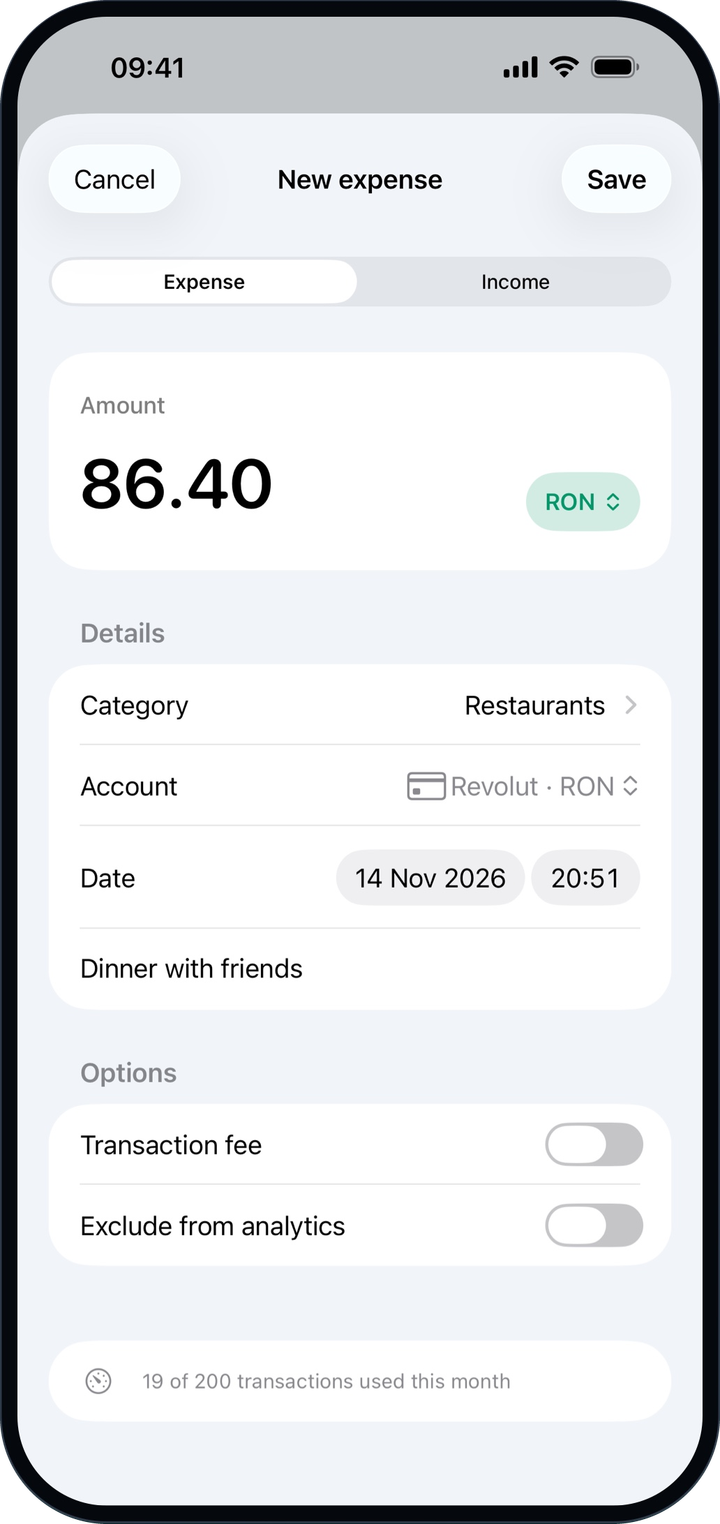
Add an expense in seconds
Tap +, pick a category and one of your most-used accounts, and save. Entries you add offline wait on your device and sync when you’re back online.
iPhone & iPad
The native Fluxa app brings your dashboard, budgets, subscriptions, goals, and wealth to iPhone and iPad, and keeps working when you’re offline.
Free to download. Sign in with your Fluxa account, or create one in the app.
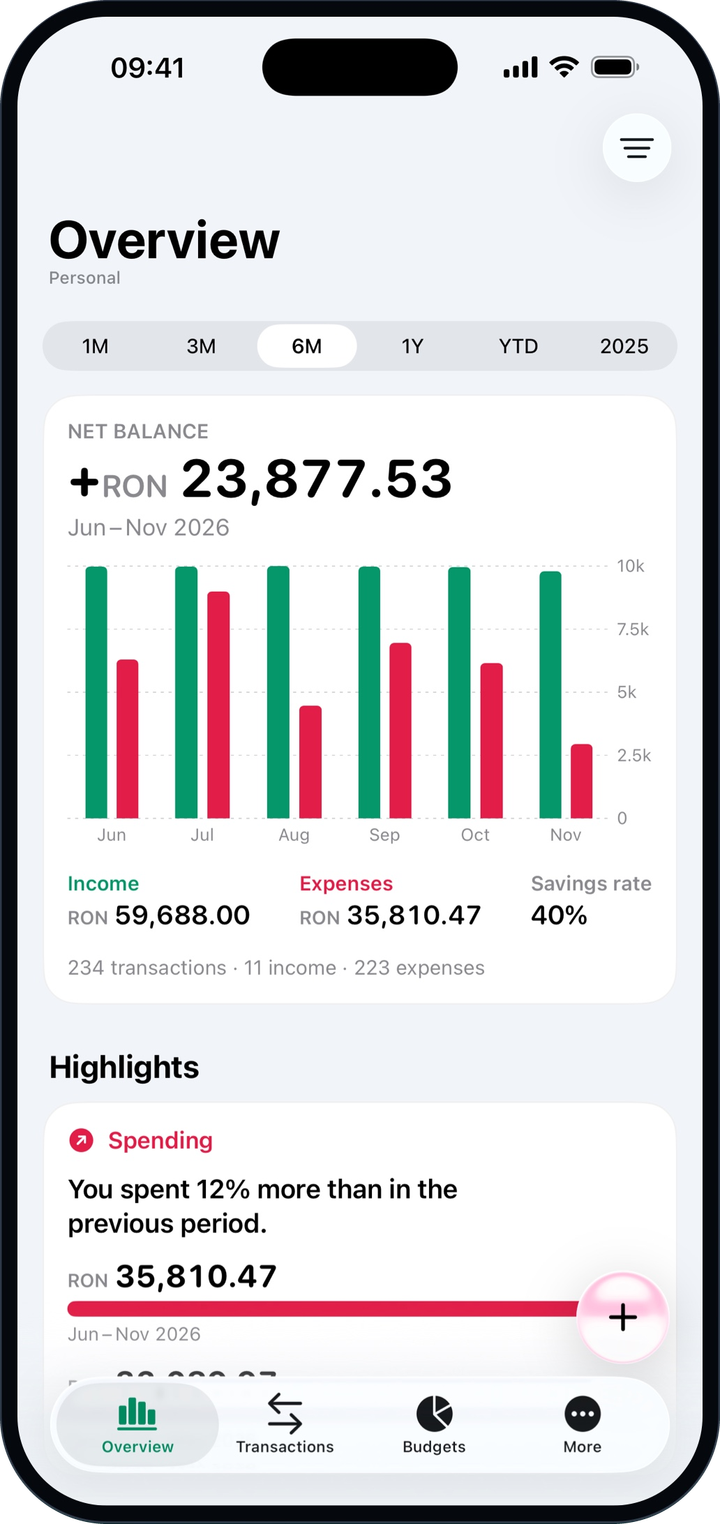
The same account and the same data, in an app designed natively for iPhone.
Tap +, pick a category and one of your most-used accounts, and save. Entries you add offline wait on your device and sync when you’re back online.
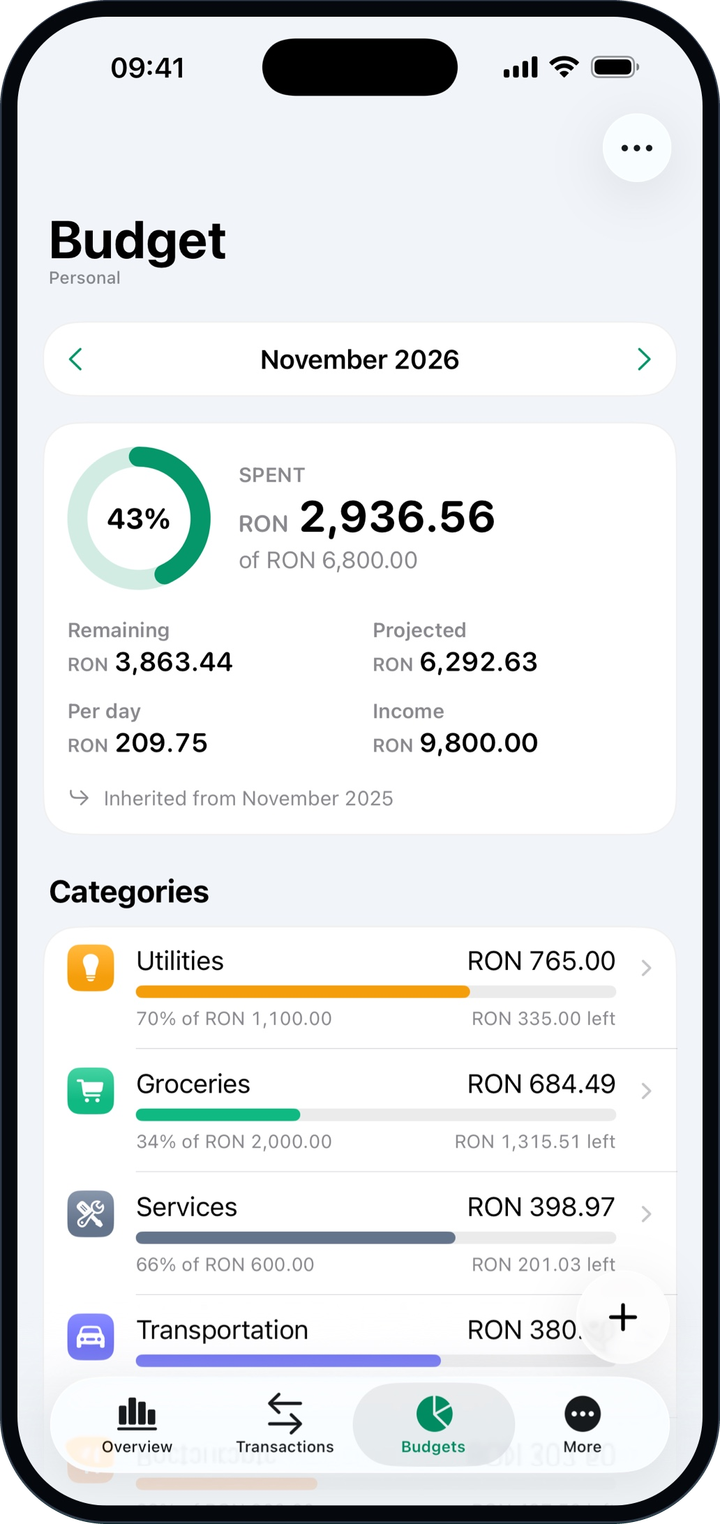
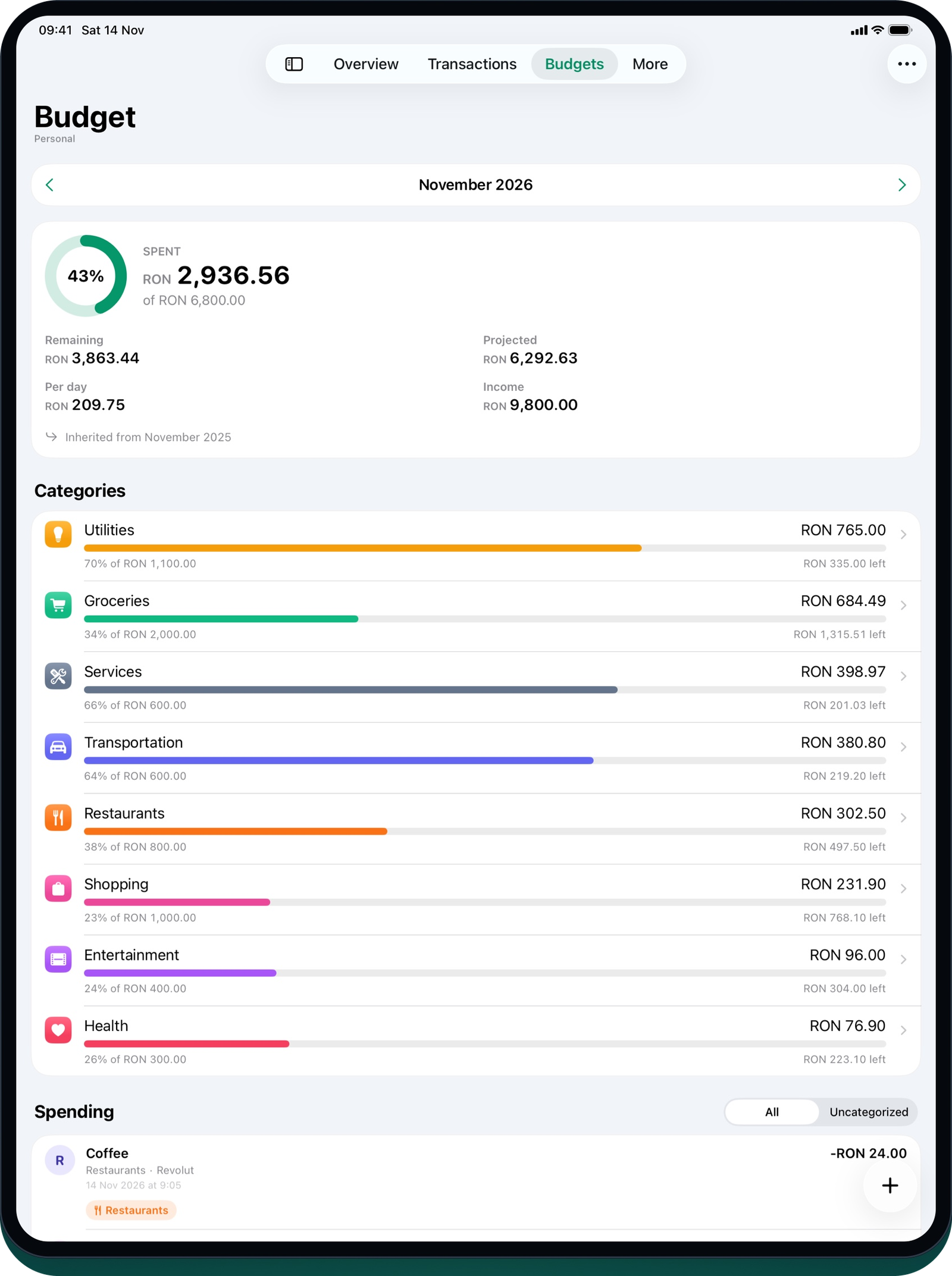
See every budget category, what you can still spend per day, and where the month is heading.
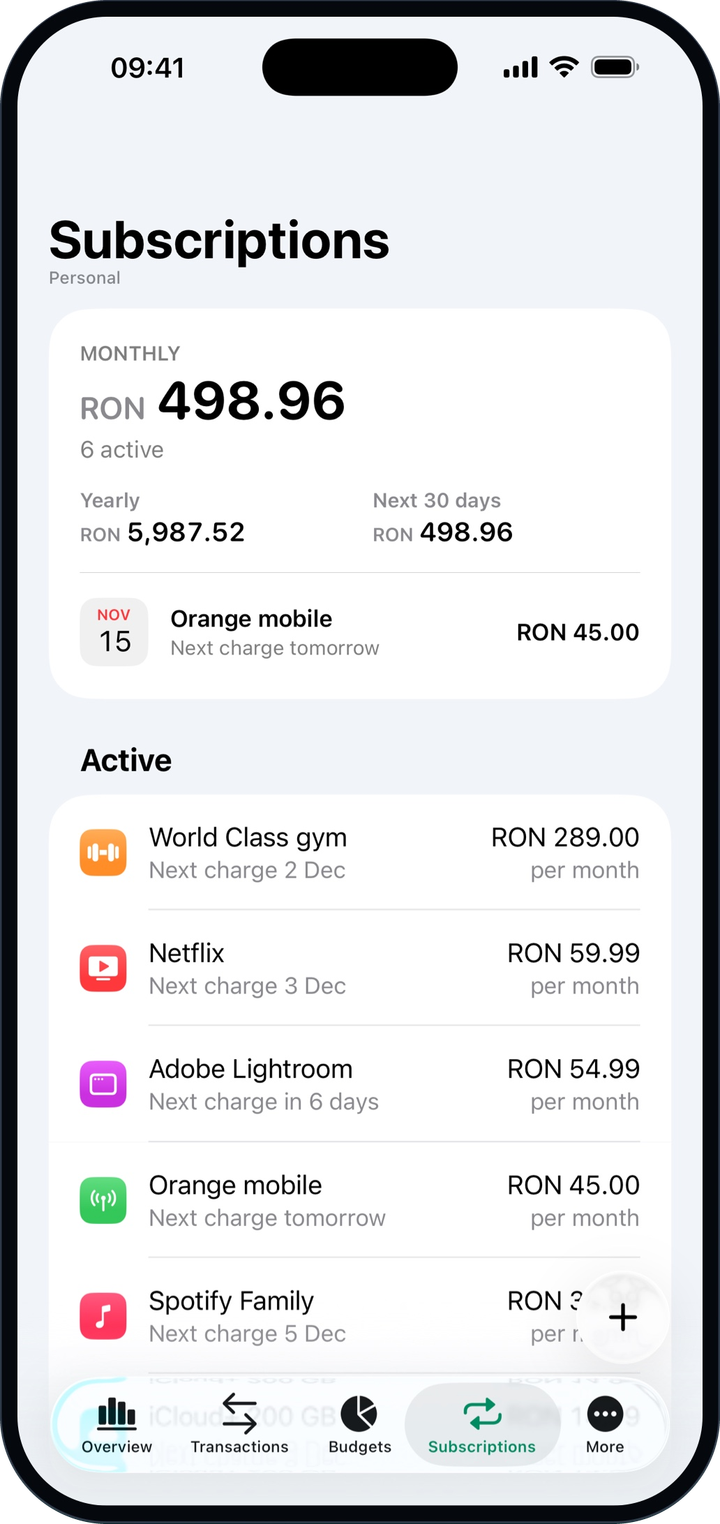
The monthly and yearly cost, the next charge for each service, and a swipe to pay one early.
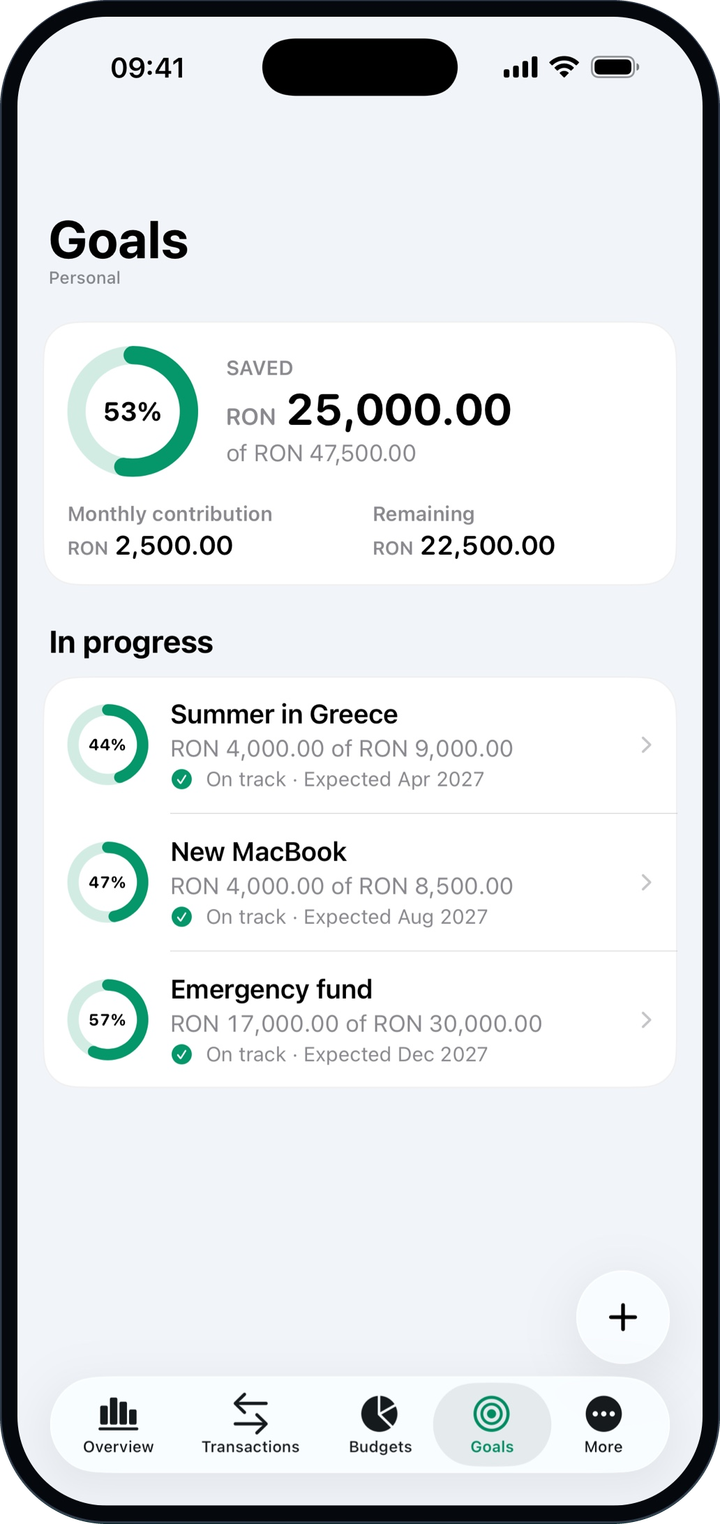
Follow each savings goal to its target date and see at a glance whether you’re on track.
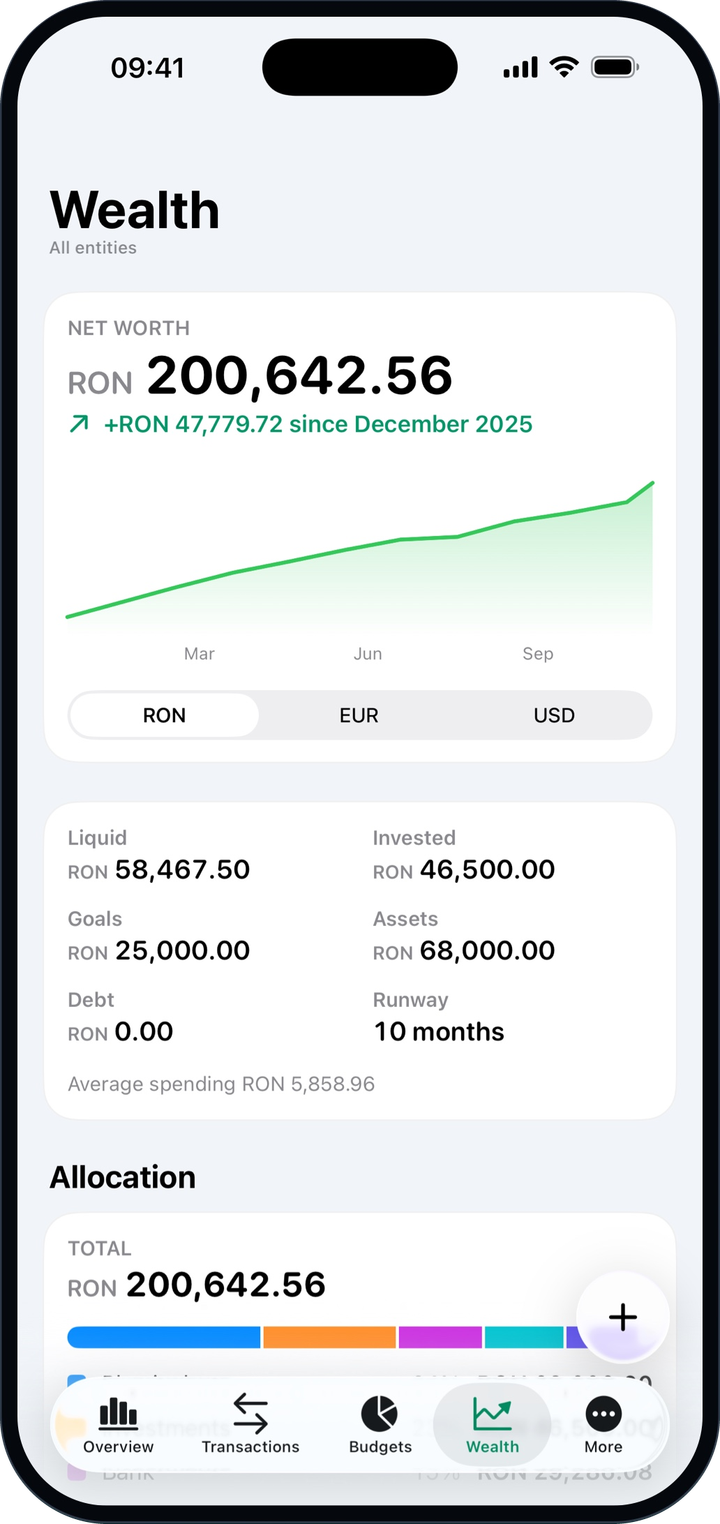
Cash, savings, investments, and assets add up to one net worth, with its history over the year.
One account everywhere
Sign in with your Fluxa account. What you add on the web appears in the app, and the other way around.
Works offline
Keep adding income and expenses without a connection. They sync on their own when you’re back online.
Your devices, under control
See every phone and tablet signed in to your account and sign out any of them.
Your language, your look
English, Romanian, German, and French, in light or dark mode.
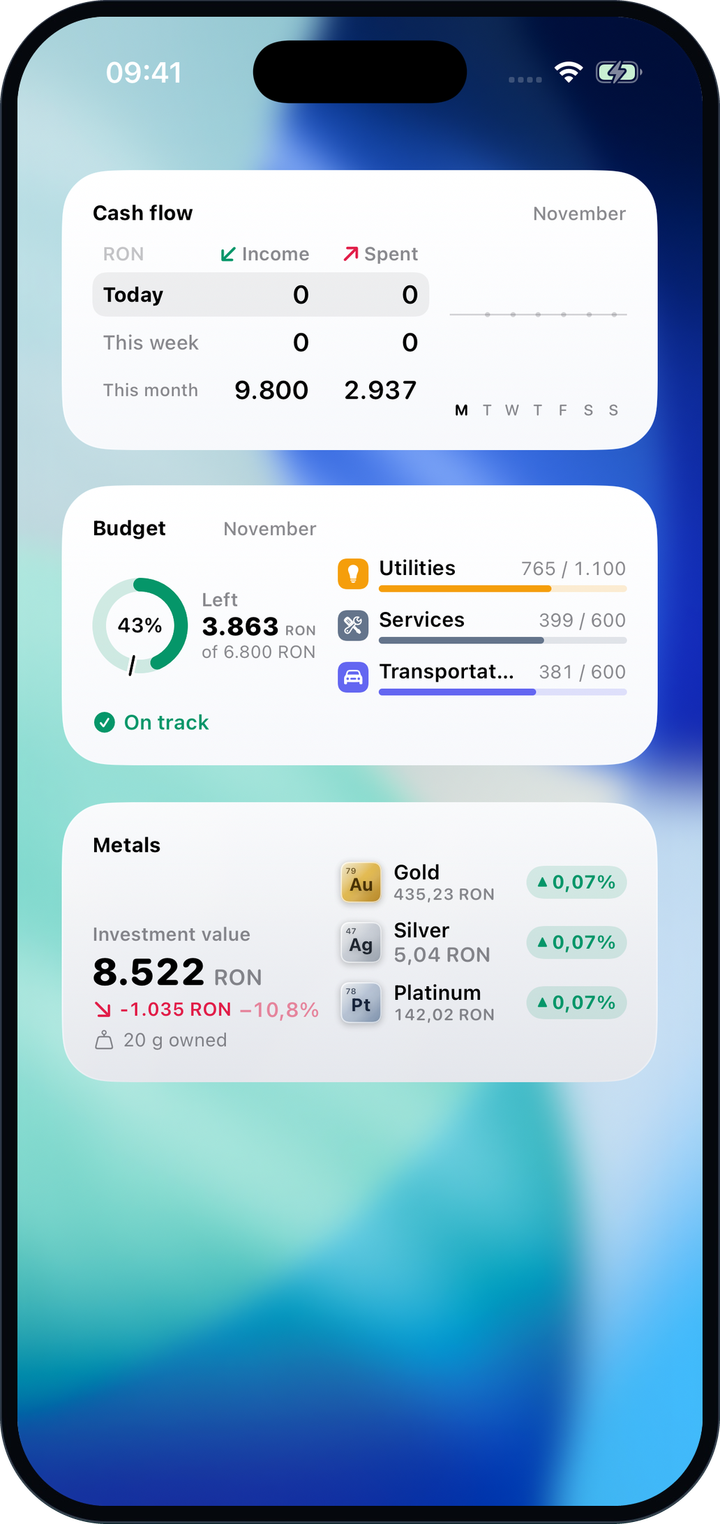
Keep cash flow, your monthly budget, and physical metals together in widgets, without opening the app.
The Metals widget requires Fluxa Pro.
iPad
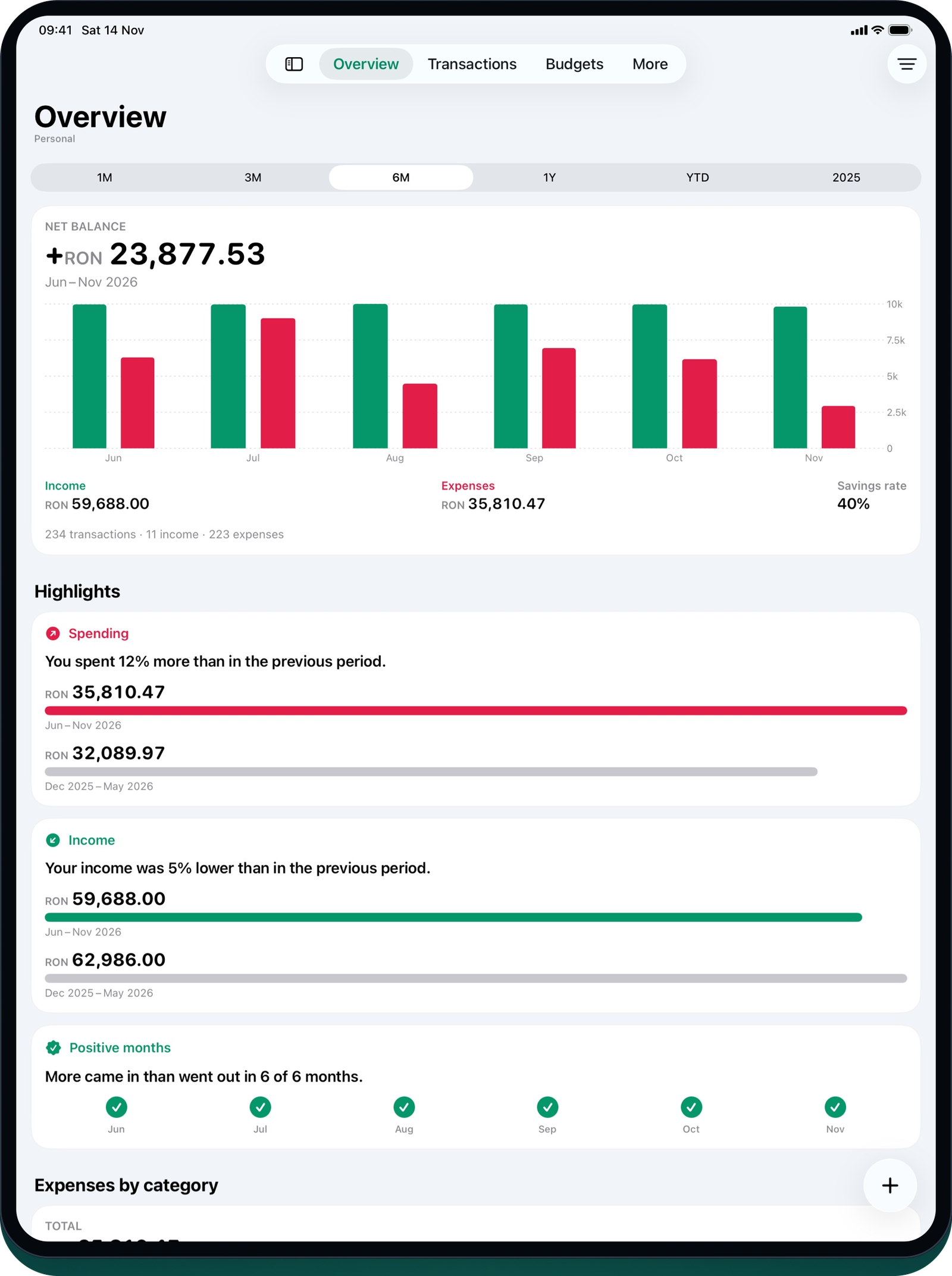
On iPad, Fluxa spreads out: cards side by side, larger charts, and a sidebar you can open whenever you need it.
Download the free app and sign in with your Fluxa account. Fluxa keeps working in your browser too, and everything stays in sync.